Which Wiki Software?

Collapse
X
 
  • Time
  • Show
Clear All
new posts
  • Kooldino
    Super MURCer
    • Nov 2002
    • 3026

    #1

    Which Wiki Software?

    So I want to make a wiki at my place of work.

    Looks like I have a lot of options on which wiki engine to run:


    Dear God, how do I choose?

    Does anyone have any experience setting any of them up?
  • Kooldino
    Super MURCer
    • Nov 2002
    • 3026

    #2
    Looks like MediaWiki is the most popular, and it's free....
    Web Hosting powered by superior technology and 24/7 support you will love! All plans equipped with easy website tools & geeky extras. Get started with up to 69% off.

    Comment

    • Helevitia
      Super MURCer
      • Aug 1999
      • 6628

      #3
      We use Confluence. It's OK, but it seems there is better wiki software out there: http://www.atlassian.com/software/confluence/
      Ladies and gentlemen, take my advice, pull down your pants and slide on the ice.

      Comment

      • WxDude
        MURCer
        • May 2000
        • 120

        #4
        We use Twiki here at work.

        A leading Enterprise 2.0 collaboration platform with 400+ extensions, used by 50,000 businesses, maintained by an active open source community for 10+ years.


        There is an OpenOffice export filter that will allow you to work in OpenOffice and export
        directly to the Twiki wiki.

        - Wx

        Comment

        • Nowhere
          Super MURCer
          • Jun 2002
          • 4830

          #5
          With the current situation regarding twiki/forking it might be better to wait and see...plus, their policy regarding bugs & features is not to everyone's liking.

          Comment

          • Kooldino
            Super MURCer
            • Nov 2002
            • 3026

            #6
            Originally posted by WxDude View Post
            We use Twiki here at work.

            A leading Enterprise 2.0 collaboration platform with 400+ extensions, used by 50,000 businesses, maintained by an active open source community for 10+ years.


            There is an OpenOffice export filter that will allow you to work in OpenOffice and export
            directly to the Twiki wiki.

            - Wx
            That's very interesting!

            I ended up going with mediawiki since it's the most popular. It's working well so far, but I have my gripes. For instance, i can only hyperlink http and ftp....I can't do a "file://" or an "smb://" etc, which would really come in handy.

            Comment

            • Helevitia
              Super MURCer
              • Aug 1999
              • 6628

              #7
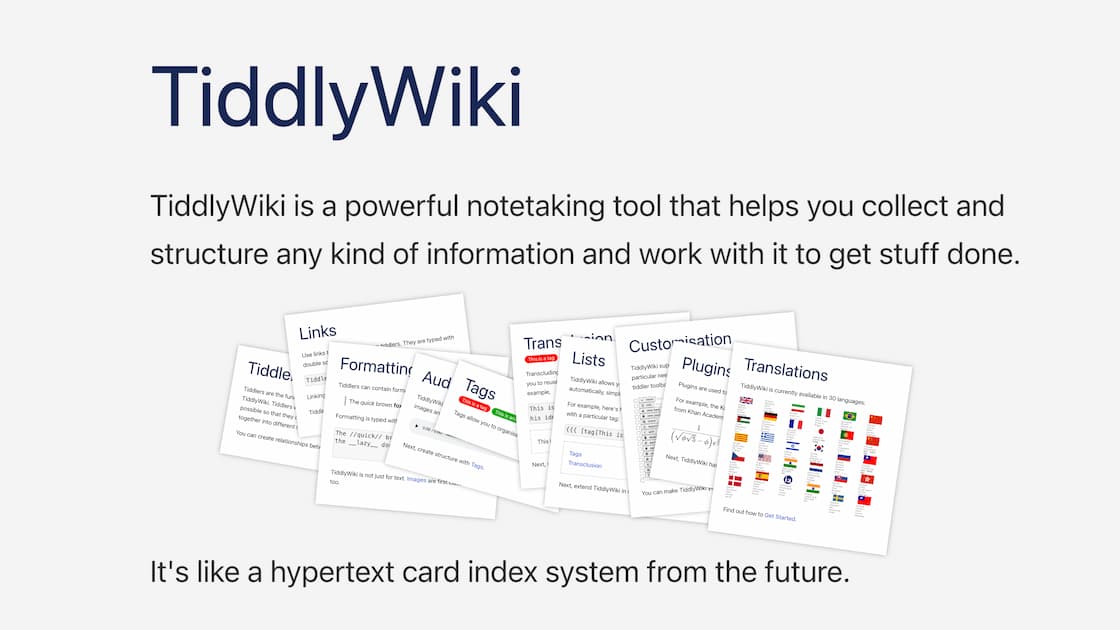
              May i ask what you are using the wiki for? Is it personal work info? If so, I've been using tiddlywiki, which is awesome. It's basically like a notebook but you can link to URl's, files, whatever, plus you are only limited to your skills and imagination on what you can do. The best part is, you can take this self contained file with you. For instance, I email it to myself and open it on my iPhone.

              a non-linear personal web notebook
              Ladies and gentlemen, take my advice, pull down your pants and slide on the ice.

              Comment

              • Kooldino
                Super MURCer
                • Nov 2002
                • 3026

                #8
                Originally posted by Helevitia View Post
                May i ask what you are using the wiki for? Is it personal work info?
                Nah, it's for my job...we have a team of 25 people on a project.

                If so, I've been using tiddlywiki, which is awesome. It's basically like a notebook but you can link to URl's, files, whatever, plus you are only limited to your skills and imagination on what you can do. The best part is, you can take this self contained file with you. For instance, I email it to myself and open it on my iPhone.

                http://www.tiddlywiki.com/

                That's pretty cool. That may work for a few small personal projects I have.

                Comment

                Working...