Announcement

Collapse
No announcement yet.

convert swf to avi

Collapse
X
 
  • Filter
  • Time
  • Show
Clear All
new posts

  • convert swf to avi

    I've been asked to do this recently.

    A google search results in many options.

    Anyone have any recommendations?

    This is a one time thing but it doesn't have to be free if it's good. I would like to minimize the cost though.
    P.S. You've been Spanked!

  • #2
    http://www.download.com/Zealot-SWF2V...-10354216.html 7 days trial.
    To minimize the cost go BitTorrent.
    Fred
    It ain't over 'til the fat lady sings...
    ------------------------------------------------

    Comment


    • #3
      Thanks Fred.

      I'll try the demo and may just decide to buy it.
      P.S. You've been Spanked!

      Comment


      • #4
        Well, if I understand your question, you don't need to buy a program. You can use our super MediaStudio7 to EDIT directly the SWF.

        I have made a lot of movies in flash, titling, with SWISH and then import directly in MediaSTUDIO 7. Quality is 10.
        You can also use Swish to export an avi, but if you can import SWF in MediaStudio it is a waste of time and quality.
        Remember: do the SWF at 720x576 at 25 fps in PAL (720x480 at 30 fps in NTSC). Only PROGESSIVE output. SWF don't support interlace.

        MediaStudio 7 is one of the few programs that supports directly SWF. Is the BEST Swiss Knife of the WORLD.

        Bye.

        Comment


        • #5
          Flash to Video Encoder - thats really good!
          Always using it and always get an expected result. http://www.geovid.com/Flash_To_Video_Encoder/

          Comment


          • #6
            Hi guys,

            So here's what happened...

            I tried Zealot SWF2Video and had decent results.

            I tried MSP and it couldn't import the swf file. Don't know why.

            Lastly I tried GeoVid Flash to Video Encoder. I was really impressed with how it did the anitmated part of the flash but was disappointed with how the text rendered.

            So I bought the Zealot product. I guess I'm spoiled because I was pissed off that even though my credit card transaction went through I'd have to wait up to 2 days to get my registration key.

            I was fiddling with Zealot to try to get the best quality output and the output from GeoVid kept nagging me because it was so good. I went back to GeoVid to try to fix the output problems I had with text and was able to produce an amazing quality output.

            So then I was kicking myself because I'd already bought Zealot, didn't even have the key for it yet, and had discovered that GeoVid was obviously the better choice for my needs. So I bit the bullet and bought GeoVid and sent an email to the company that processed my order for Zealot asking to cancel.

            Now I'm waiting for an email from GeoVid with my reg key.

            If anyone is looking for a similar product, both Zealot and GeoVid are good. I'd try them both out and see which one you like best. It seems to me that GeoVid does a better job of converting animated vector objects to raster video frames. But that's just me.

            Thanks for everyone's help!
            Last edited by schmosef; 8 February 2005, 21:33.
            P.S. You've been Spanked!

            Comment


            • #7
              Try this.

              And then read this:
              Attached Files

              Comment


              • #8
                Take a look at this software:
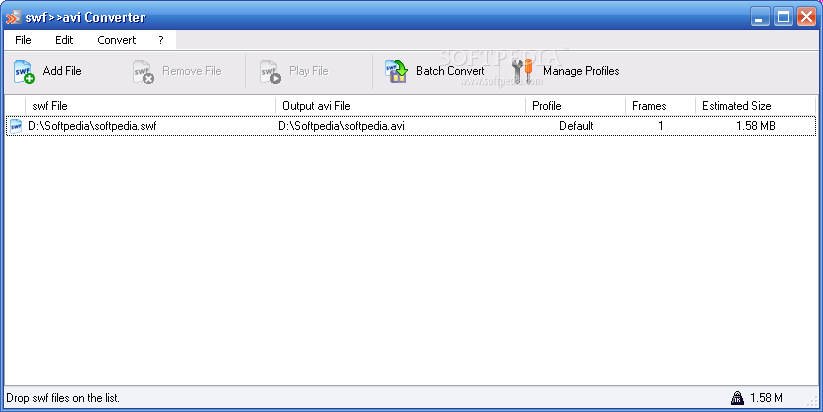
                swf >> avi Converter
                Download swf >> avi Converter 1.0.2027 - Easily load one or more files found under the SWF format and quickly have them converted to a customizable AVI profile with this powerful application


                Freeware

                Comment

                Working...
                X